
Yes, you can absolutely watch NFL football games with an antenna! Over-the-air television (OTA TV), often referred to as broadcast TV, is a fantastic way to catch live sports, including the NFL, for free TV. This guide will help you understand how to get the best TV reception and maximize your antenna channels for game day.
The National Football League (NFL) is broadcast on major networks that are available through OTA TV. This means if you have a digital antenna, you can tune into these games without needing a cable or satellite subscription. It’s a cost-effective solution that many football fans are rediscovering for its simplicity and the quality of the picture, often in stunning HDTV antenna clarity.
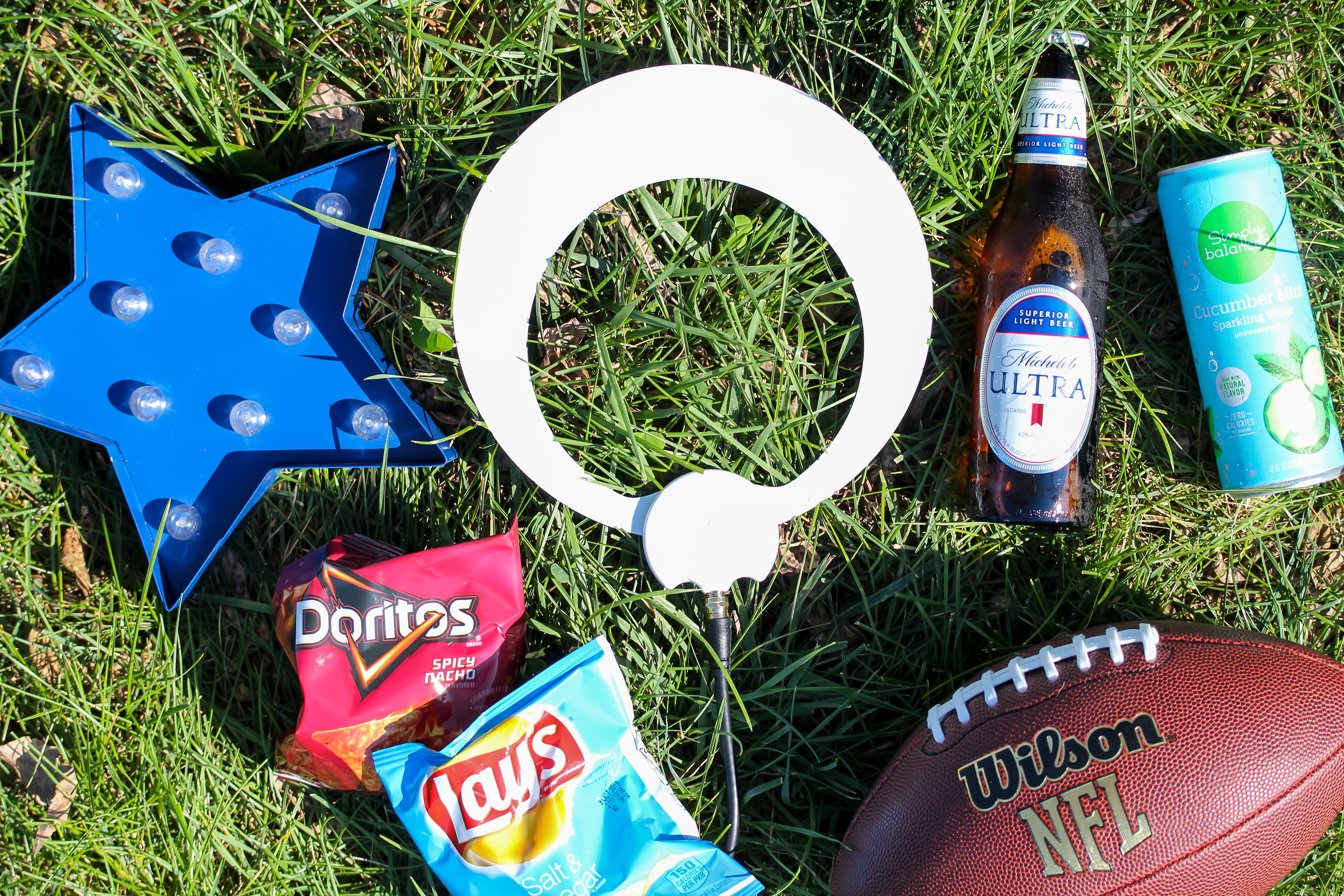
Image Source: www.antennasdirect.com
The Basics of Antenna Football Viewing
The ability to watch NFL games with an antenna hinges on a few key factors: which games are broadcast over the air, the type of antenna you use, and your location relative to broadcast towers.
Which NFL Games Can You Watch with an Antenna?
The games you can watch depend on your local market and national broadcast schedules.
- Local Market Games: These are games involving the two NFL teams in your geographic area. These games are typically broadcast on your local CBS, FOX, and NBC affiliates. If your home team is playing, there’s a very high chance you can watch it with an antenna.
- National Broadcasts: The NFL has exclusive national broadcast deals with CBS, FOX, ESPN, and Amazon Prime Video.
- CBS and FOX: These networks broadcast Sunday afternoon games. Which team you see depends on your region. These are always available via an antenna.
- NBC: NBC broadcasts Sunday Night Football, a prime-time, must-watch game each week. This is also available with an antenna.
- ESPN: Monday Night Football is broadcast on ESPN. While ESPN is primarily a cable channel, certain Monday Night Football games are simulcast on ABC, which is an OTA TV channel. You’ll need to check the schedule for these specific ABC broadcasts.
- Amazon Prime Video: Thursday Night Football is now exclusively on Amazon Prime Video. This means you cannot watch these games with an antenna.
It’s important to note that while CBS, FOX, and NBC are the primary over-the-air broadcasters, schedules can change. Always check the official NFL broadcast schedule or your local network listings to confirm which games will be available in your area via an antenna.
Why Choose an Antenna for Live Sports?
The appeal of using an antenna for live sports is growing for several reasons:
- Cost Savings: This is the biggest draw. Once you purchase an antenna, the programming is completely free TV. There are no monthly subscription fees for over-the-air channels. This can save you hundreds, if not thousands, of dollars annually compared to cable or satellite packages.
- High-Quality Picture: Modern HDTV antenna technology can deliver a picture that is as good as, and sometimes even better than, cable or satellite. Since OTA TV signals are uncompressed, you often get a clearer, sharper image with vibrant colors, especially when watching in HD.
- Simplicity: Setting up an antenna is generally straightforward. Connect it, scan for channels, and you’re ready to go. There are no complex installations or multiple boxes required.
- Access to Local Content: Beyond the NFL, antennas provide access to your local news, weather, and other programming from your local broadcast affiliates.
Selecting the Right Digital Antenna
The effectiveness of watching football with an antenna largely depends on the digital antenna you choose and how you position it. There are various types of antennas, each suited for different reception conditions.
Types of Digital Antennas
- Indoor Antennas: These are compact and designed to be placed inside your home, often on a windowsill, shelf, or mounted on a wall.
- Flat/Leaf Antennas: These are very popular due to their discreet design. They are often multi-directional.
- Rabbit Ear Antennas: These are the classic dipole antennas, often with a loop or bowtie element. They are good for receiving VHF signals. Many newer models combine rabbit ear elements with a flat panel for broader reception.
- Outdoor Antennas: These are generally more powerful and designed for better TV reception, especially if you are farther away from broadcast towers.
- Directional Antennas: These are designed to receive signals from a specific direction and are highly effective if you know where the broadcast towers are located.
- Multi-Directional Antennas: These are designed to pick up signals from multiple directions simultaneously, making them more versatile.
Factors Affecting Antenna Performance
- Distance from Broadcast Towers: The farther you are from the towers, the more powerful your antenna needs to be.
- Obstructions: Buildings, trees, hills, and even the construction materials of your home can interfere with signal reception.
- Signal Strength: The strength of the broadcast signal in your area plays a crucial role.
- Antenna Type and Design: Different antennas are designed to capture different frequencies (VHF and UHF) and have varying levels of gain.
Getting the Best TV Reception
Achieving optimal TV reception is key to enjoying uninterrupted NFL action. Here are some tips to maximize your antenna’s performance.
Positioning is Paramount
The placement of your antenna can make or break your ability to pick up local channels.
- Height: The higher you can place your antenna, the better. This helps overcome obstructions and improve line-of-sight to the broadcast towers.
- Location:
- Indoors: Place it near a window, preferably one facing the direction of the broadcast towers. Avoid placing it behind large metal objects or electronics that can cause interference.
- Outdoors: Mounting an antenna on your roof or in your attic generally provides the best reception.
- Direction: If you have a directional antenna, you’ll need to point it towards the broadcast towers. You can find tower locations and the best direction using online tools like the FCC’s DTV reception maps or sites like AntennaWeb.org.
Using Online Resources to Find Towers
Knowing where the towers are is essential for aiming your antenna.
- FCC DTV Reception Maps: The Federal Communications Commission provides a tool to check reception in your zip code.
- AntennaWeb.org: This website is a popular resource where you can enter your address and it will show you the direction and distance to local broadcast towers, as well as recommend suitable antennas.
Connecting Your Antenna
- Coaxial Cable: Use a high-quality coaxial cable (RG6 is recommended) to connect your antenna to your TV or digital converter box. Shorter cable runs are generally better, and avoid sharp bends or kinks in the cable.
- Signal Amplifiers (Optional): If you are in a fringe reception area or have a long cable run, a signal amplifier (or booster) might help improve TV reception. However, be cautious, as an amplifier can sometimes overload your TV’s tuner if the signal is already strong, leading to worse reception.
Performing a Channel Scan
After connecting your antenna and positioning it, you need to tell your TV to find the available channels.
- Access Your TV’s Menu: Go to your TV’s settings menu.
- Select “Channel Setup” or “Tuning”: The exact wording varies by manufacturer.
- Choose “Antenna” or “Air” Input: Make sure you are scanning for antenna channels, not cable.
- Initiate a “Channel Scan” or “Auto-Tune”: Your TV will then search for all available antenna channels. This process can take several minutes.
- Re-scan if Needed: If you move your antenna or after making adjustments, perform another channel scan.
Antenna Channels and NFL Broadcasts Explained
Once your antenna is set up and scanned, you’ll see a list of available antenna channels. Your goal is to tune into the channels broadcasting the NFL games.
Major Networks for NFL Games
- CBS: Look for your local CBS affiliate. On Sundays, CBS typically broadcasts AFC games.
- FOX: Your local FOX affiliate. FOX usually broadcasts NFC games on Sundays.
- NBC: Your local NBC affiliate. NBC broadcasts Sunday Night Football, often featuring high-profile matchups.
- ABC: While less common for weekly NFL games, ABC sometimes airs special games, most notably certain Monday Night Football contests simulcast from ESPN.
UHF vs. VHF Frequencies
Antennas are designed to pick up signals on different frequency bands: Ultra High Frequency (UHF) and Very High Frequency (VHF).
- UHF: Most digital TV channels broadcast on UHF frequencies. This includes many local news channels and popular networks.
- VHF: Some channels, particularly those in the lower digital spectrum (channels 2-13), broadcast on VHF frequencies. Historically, channels like CBS and ABC were often in the VHF range.
Modern digital antenna designs are often optimized for both UHF and VHF reception to capture the widest range of local channels. When choosing an antenna, check its specifications to ensure it covers both bands. Many antennas are advertised as “full-band” or “multi-band.”
Troubleshooting Common Reception Issues
Even with the best setup, you might encounter occasional reception problems. Here’s how to troubleshoot:
Pixelation or Breaking Up
- Check Antenna Position: Minor adjustments in height or direction can make a big difference.
- Inspect Cables: Ensure coaxial cables are securely connected and not damaged.
- Reduce Interference: Move the antenna away from other electronic devices.
- Try a Different Antenna: If you’re using an indoor antenna, consider an outdoor one or a more powerful indoor model.
Missing Channels
- Perform a Channel Scan: Always re-scan after moving the antenna or making changes.
- Check Tower Information: Ensure your antenna is oriented correctly if it’s directional.
- Consider Signal Amplification: If you’re far from towers, a pre-amplifier (installed near the antenna) or a distribution amplifier (if splitting the signal) might be necessary.
Weather Interference
Severe weather, like heavy rain or snow, can sometimes temporarily disrupt TV reception for OTA TV signals. This is usually a temporary issue, and reception should improve once the weather clears.
Putting It All Together: Your Game Day Antenna Setup
To ensure you don’t miss a single touchdown with your antenna, follow these steps:
- Identify Your Local Channels: Use resources like FCC DTV maps or AntennaWeb.org to see which channels are available in your area and where the broadcast towers are located.
- Choose the Right Antenna: Based on your distance from towers and potential obstructions, select an indoor or outdoor antenna that is designed for your reception needs. Look for antennas that cover both UHF and VHF frequencies.
- Install and Position: Mount your antenna as high and as close to the broadcast towers as possible. For indoor antennas, a windowsill facing the towers is often ideal.
- Connect Properly: Use a good quality coaxial cable and ensure all connections are secure.
- Scan for Channels: Perform a full channel scan on your TV.
- Check the NFL Schedule: Know which games are being broadcast on CBS, FOX, and NBC in your region for that week.
- Enjoy the Game! With a properly set up antenna, you can enjoy NFL games in high definition for free.
Frequently Asked Questions (FAQ)
Q1: Do I need a special TV to watch football with an antenna?
A1: No. Most modern TVs have built-in digital tuners that can receive OTA TV signals. If you have an older TV, you might need an external digital converter box, but this is rare for TVs manufactured in the last 15-20 years.
Q2: Are all NFL games available with an antenna?
A2: No. While most Sunday games (on CBS and FOX) and Sunday Night Football (on NBC) are available, games broadcast exclusively on cable channels (like some ESPN games) or streaming services (like Amazon Prime Video for Thursday Night Football) cannot be watched with an antenna.
Q3: How do I know if my location is good for antenna reception?
A3: You can check your predicted reception by entering your address into websites like FCC DTV Reception Maps or AntennaWeb.org. These tools will tell you which channels are available and the signal strength.
Q4: What’s the difference between a UHF and VHF antenna?
A4: UHF and VHF are different radio frequency bands used for broadcasting. Most digital TV channels are on UHF, but some important channels can be on VHF. A good digital antenna will be designed to pick up both bands for maximum channel availability.
Q5: Will a signal booster help my antenna?
A5: A signal booster (amplifier) can help if you are far from broadcast towers or have a long cable run. However, if the signal is already strong or if there’s a lot of interference, a booster can sometimes make reception worse by overloading the TV’s tuner. It’s best to try positioning your antenna first before adding a booster.
Q6: Can I watch games on my phone or tablet with an antenna?
A6: A traditional TV antenna is designed to connect to a television. However, there are specialized OTA DVRs or devices that can stream antenna channels to your phone or tablet over your home Wi-Fi network, allowing you to watch games on the go within your home.
Watching the NFL with an antenna is a smart and affordable way to enjoy America’s favorite sport. By selecting the right digital antenna, positioning it correctly, and performing a thorough channel scan, you can reliably access a wealth of live sports and local channels without a monthly bill. Embrace the simplicity and quality of OTA TV and get ready for a fantastic football season!